As the gaming landscape continues to evolve, more players are turning to ultrawide monitors for an immersive experience, with 21:9 aspect ratios becoming increasingly popular. Arc Raiders, a visually stunning co-op shooter, is no exception to this trend. However, many players are left wondering whether the game fully supports these ultrawide resolutions and how to optimize their user interface (UI) for the best experience. This guide will delve into the specifics of Arc Raiders’ compatibility with ultrawide monitors, provide insight into resolution scaling, and offer tips for effective UI setup.
Understanding Ultrawide Monitor Support in Arc Raiders
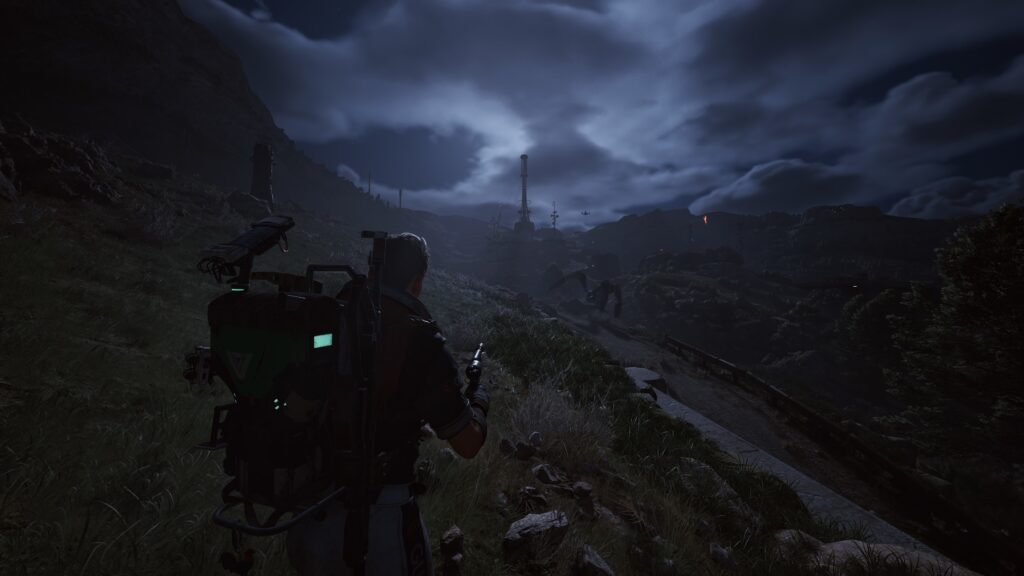
Arc Raiders does indeed support 21:9 ultrawide monitors, but the implementation is not without its challenges. Players may notice that certain UI elements do not scale properly, leading to a less optimal experience. The game developers have acknowledged this issue and are actively working on updates to enhance compatibility. In the meantime, players can manually adjust their settings to improve the UI experience. It is crucial to note that while the game runs in ultrawide, some cutscenes and menus may still default to a 16:9 aspect ratio, which can lead to black bars on the sides. This inconsistency can detract from the immersive experience players seek.
Optimal Resolution Settings for Ultrawide Monitors
To achieve the best visual fidelity on a 21:9 ultrawide monitor, players should configure their resolution settings within Arc Raiders. The game automatically detects your display’s native resolution, but manual adjustments may be necessary for optimal performance. The recommended resolution for ultrawide monitors is 2560×1080 or 3440×1440, depending on the monitor’s specifications. Players experiencing performance issues or frame drops can consider lowering their resolution slightly. Here’s a quick reference table for resolution settings:
| Resolution | Aspect Ratio | Recommended Settings |
|---|---|---|
| 2560×1080 | 21:9 | High Settings |
| 3440×1440 | 21:9 | Medium Settings |
| 1920×1080 | 16:9 | Ultra Settings |
UI Customization for Ultrawide Aspect Ratios
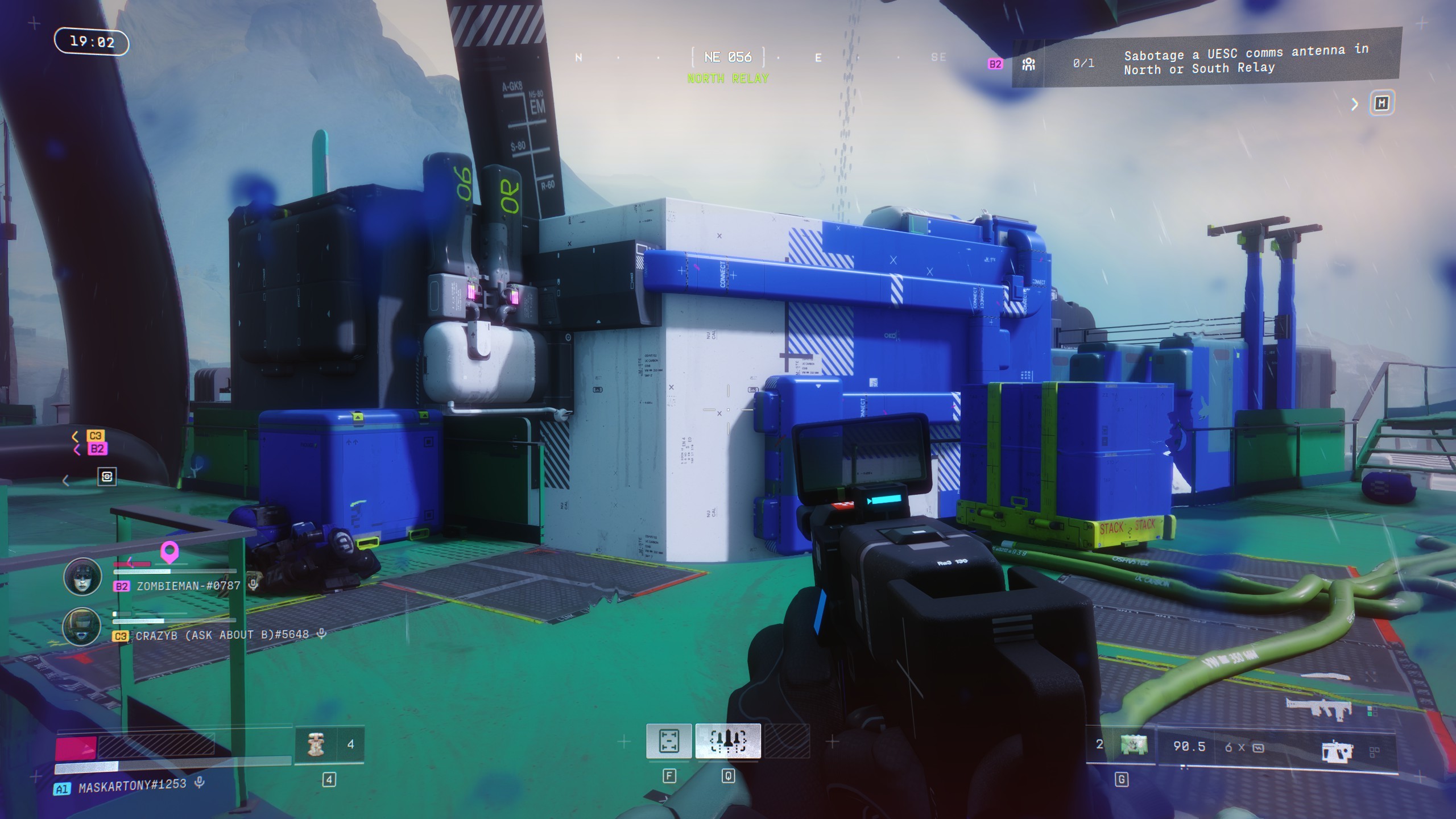
Customizing the UI in Arc Raiders is essential for getting the most out of your ultrawide monitor. Players should consider adjusting the HUD (Heads-Up Display) elements to better fit their screen. This includes repositioning health bars, minimaps, and action buttons to utilize the extra screen real estate effectively. Some players have reported that using third-party software can help in this regard, allowing for more granular control over UI placement. Key UI elements to focus on include:
- Inventory Management Display
- Ability Cooldowns and Hotbars
- Map and Navigation Menus
- Team Communication Interfaces
Performance Considerations on Ultrawide Monitors
While ultrawide monitors provide a stunning visual experience, they can also put a strain on your system’s performance. Players must ensure their graphics settings are optimized for their hardware capabilities. Lowering shadow quality, disabling anti-aliasing, and adjusting texture details can significantly improve frame rates, particularly in intense firefights. Additionally, monitoring your GPU and CPU usage during gameplay can help identify bottlenecks. For competitive players, maintaining a steady frame rate is paramount, so consider using tools like NVIDIA’s GeForce Experience to optimize game settings automatically.
Future Updates and Community Feedback
The developers of Arc Raiders are actively monitoring community feedback regarding ultrawide support. Players are encouraged to report any issues they encounter, as this information is invaluable for future patches. Community forums and social media platforms are excellent resources for sharing experiences and solutions. Additionally, keeping an eye on developer blogs can provide insights into upcoming updates that might enhance ultrawide functionality. As the game evolves, it is likely that support for 21:9 monitors will improve, providing a seamless experience for all players.